

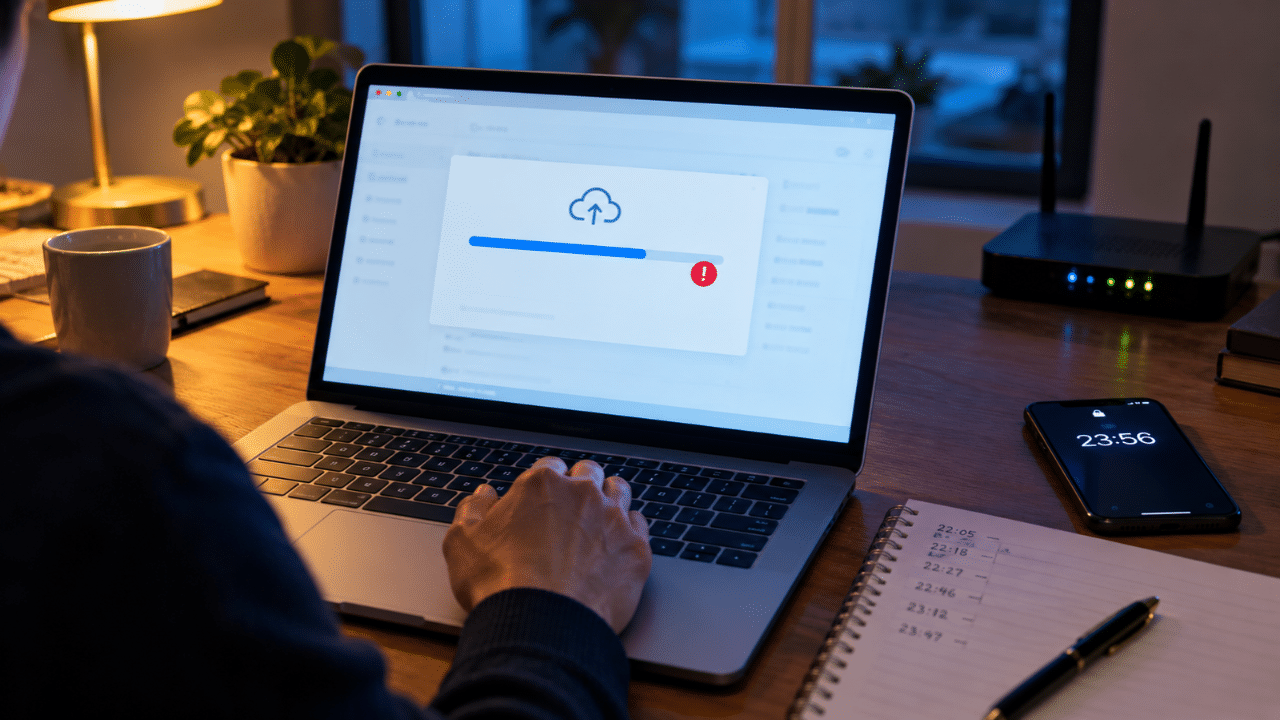
You finished an assessment, tried to upload it and encountered an error. The university has nevertheless imposed a late penalty or recorded a non-submission. A persuasive response needs to establish what happened during the submission window, what the applicable instructions required and how the technical problem caused the delay. A finished document on your device is only part of that evidence.
For students and parents in England and Wales, speed and accuracy both matter. Preserve the available records and report the problem through the designated route promptly. Do not assume that emailing a lecturer completes submission or that every technical difficulty qualifies for an exception. Institutions can treat coursework and timed online examinations differently.
Preserve the instructions and deadline
Save the assessment brief, submission page and guidance on acceptable file formats, file size and contingency arrangements. Record the precise deadline and any separate upload allowance. Check whether an approved adjustment or extension changed your personal deadline, and retain the approval rather than relying on a general timetable.
Identify the required platform and final submission step. Some systems distinguish uploading a file from confirming submission. Describe which step you reached and what appeared on screen. If you are uncertain, say so and ask for the activity log rather than converting an assumption into a firm claim.
Follow the institution’s reporting route
Check whether the university uses a technical-failure form, an assessment query process, mitigating circumstances or a penalty review under its education law framework. Submit to the required destination and retain the acknowledgement. An IT helpdesk ticket may support the technical account without itself constituting the formal academic request.
Institutional examples show why this matters. Surrey’s coursework guidance directs students to specified reporting and evidence steps when upload problems occur. UCL’s online assessment rules provide a distinct technical-failure route and restrict submission outside approved platforms. These examples concern their own assessments; neither procedure should be assumed to govern another university or a different assessment type.
Build a minute-by-minute account where possible
Record when you opened the submission page, selected the file, encountered the error, retried and eventually received confirmation or stopped attempting. Include relevant support contacts. Use the timestamps available in the records, identifying the time zone. If two clocks differ, explain that instead of silently adjusting the evidence.
Avoid false precision. A recollection that something occurred “around ten minutes before the deadline” should remain a recollection unless a record establishes the time. A dispute resolution chronology can distinguish verified timestamps from estimated intervals. That distinction is useful where a platform log records a different stage from the one you remember.
Keep original technical evidence
Save screenshots or photographs showing the error message and available date and time. Retain support emails, ticket references and relevant service-status notices. Keep original files rather than editing them into a single image that conceals context. A separate explanation can draw attention to the relevant part.
Do not recreate an error screen later and present it as evidence from the deadline. If no screenshot was taken, explain why and identify other records that may exist. The absence of one type of evidence does not justify inventing it. A truthful chronology can still guide the university’s checks of its own systems.
Identify what the evidence actually establishes
A network outage notice may show a problem in an area without establishing that your particular submission failed because of it. A screenshot of a spinning upload indicator may show delay but not its cause. Explain the connection and any uncertainty, rather than treating each item as conclusive.
Where a helpdesk diagnosed the issue, preserve its actual response. Distinguish that assessment from your own guess that the server was down. If several students experienced similar problems, their reports may justify a wider enquiry, but a group chat does not automatically establish the cause or duration of your individual difficulty.
Preserve the assessment file itself
Keep the file you attempted to submit, any receipt and the file ultimately accepted by the platform. If these differ, explain why and when. The university may need to know whether the delay was solely administrative or whether academic changes continued after the deadline.
Do not alter metadata or claim that a file’s creation date proves its contents were final at that time. Version history and contemporaneous copies may help establish the sequence, but they need interpretation. Ask the university how it wants the file supplied for investigation, and distinguish supplying evidence from making an authorised assessment submission.
Explain the steps you took to resolve the problem
Describe reasonable attempts consistent with the assessment instructions, such as retrying the approved submission process or contacting the stated support service. Record the response and any directions you followed. If the guidance required a particular contingency and you could not use it, explain the obstacle specifically.
Be candid if you began the upload close to the deadline or used an unsupported format. Those facts may affect the decision, but concealing them undermines the account. Explain any separate unexpected failure and its timing. The question is how the actual events fit the policy, not whether the narrative can be made to sound entirely faultless.
Distinguish local difficulties from university failures
Check whether the rules treat personal equipment, home connectivity, university systems and known platform outages differently. Identify the applicable category without assuming a distinction decides the case. The evidence may show overlapping problems, such as a local interruption followed by an unrelated university outage.
If the university issued a general notice about affected assessments, save it and check whether your assessment falls within its scope. Do not assume a later outage announcement covers an earlier submission. Ask for clarification where the published timing or affected services do not match the response to your individual request.
An illustrative upload dispute
Imagine a fictional student who begins uploading an examination file before the deadline and receives repeated platform errors. They preserve two timestamped error images and submit the required incident report immediately. The eventual receipt records submission several minutes late. Their request links those records and asks the university to review the penalty under the relevant technical-failure rules.
The account also identifies when the academic work stopped and confirms whether the submitted file changed. The university still needs to verify the evidence and apply its criteria. This illustration does not mean that attempting an upload before the deadline automatically makes a later submission timely or guarantees removal of a penalty.
Ask how the penalty was calculated
Obtain the unpenalised mark, the penalty applied and the provision authorising it. Check whether the university used the correct deadline and recorded submission time. A technical claim may be unsuccessful while a separate arithmetic or timestamp error still requires correction, so keep the two questions distinct.
If the work was not marked at all, ask what procedure governs non-submission and what remedy is available if the technical claim succeeds. Do not assume the university can simply mark an emailed copy. The solution must address assessment integrity and the applicable rules as well as the effect on your result.
Respond to rejection through the correct route
Read whether the rejection concerns insufficient evidence, an excluded type of problem, late reporting or a failure to follow instructions. Address that reason with the relevant record. If the university says its platform worked normally, ask whether it considered your specific timestamps and error information, which is a public law question about whether the decision-maker took the relevant evidence into account, without assuming a functioning service excludes every individual fault.
Request the available review or appeal information and protect the deadline. Keep the technical evidence organised so a reviewer can understand it without specialist expertise. A short explanatory chronology and a labelled bundle are usually more useful than an unstructured collection of screenshots and emotional correspondence.
How Aldwych Legal can assist
Adam Hussain, Aldwych Legal’s Founder and Managing Director and principal lawyer, has education experience involving academic appeals and misconduct disputes. Aldwych Legal can help distinguish proof of completion from proof of submission, compare the incident with the applicable procedure and prepare a focused challenge to the stated penalty decision.
Students and parents across England and Wales can contact info@aldwychlegal.com or call or WhatsApp 020 4584 2472. Provide the assessment instructions, penalty decision, submission receipt, technical evidence and next deadline. Preserve the original files so the response can be built around an accurate account of what happened.
About Adam Hussain
Adam Hussain is Aldwych Legal’s Founder & Managing Director and principal lawyer. His education experience includes academic appeals and disputes concerning assessment evidence. He can help organise an upload chronology, identify what the technical records establish and address the university’s stated reason for imposing a penalty. He holds an LL.M. in International Business Law from King’s College London, has completed Bar training and Practical Legal Training, and is a PhD doctoral researcher in Legal Science at Royal Holloway, University of London.